Dynamic
Scenes that keep moving
Calming landscapes, atmospheric cityscapes and animated reinterpretations of classical paintings — all playing silently beneath your icons.

WINDOWS 10/11 · LIVE WALLPAPERS
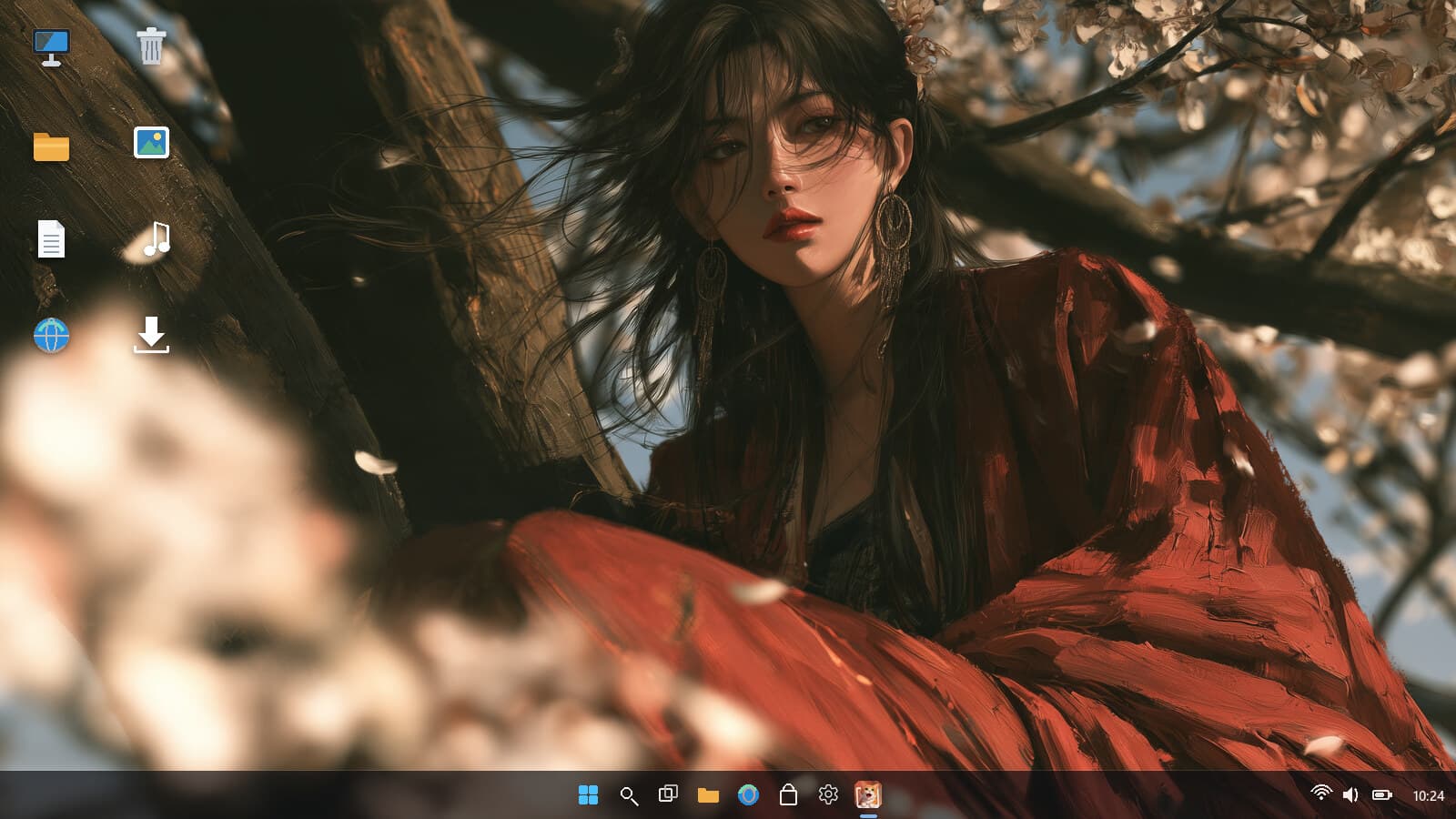
Whatever you do on your PC — work, study, gaming or creating — if you're on Windows 10/11, you can use it. The library holds both moving cinematic scenes and calm fine-art stills; double-click any of them and it becomes your desktop background, with dynamic scenes playing silently beneath your icons. Clicks, shortcuts and the right-click menu keep working exactly as before. It pauses during games and fullscreen video, and puts your old wallpaper back when you close it.

Official Microsoft Store app · Apply any wallpaper with a double-click
One artwork, two ways: moving beneath your icons, or perfectly still.
THE LIBRARY
Cinematic scenes and fine-art stills share one quiet, widescreen library. Switching between them is still a double-click.
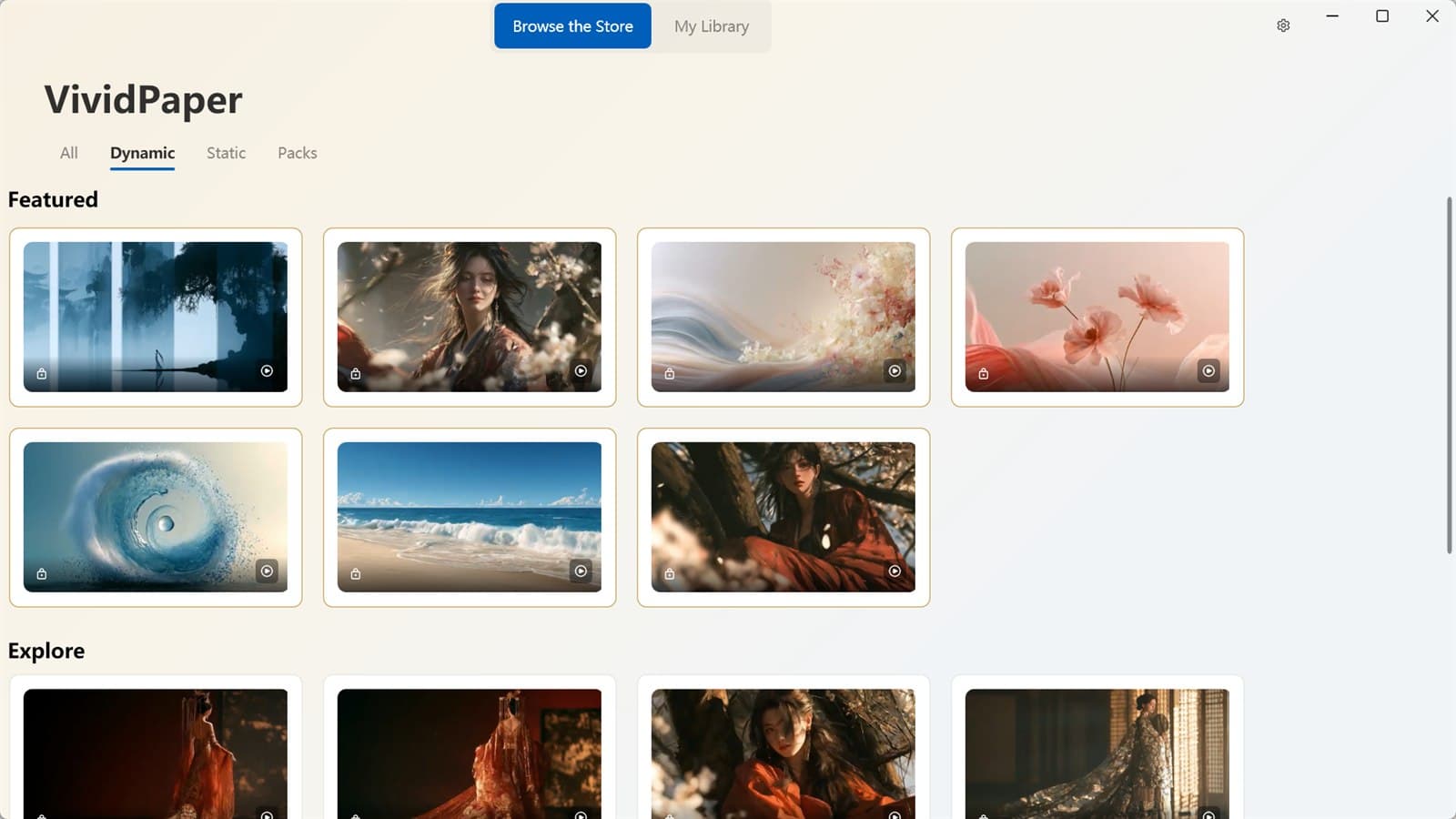
Dynamic
Calming landscapes, atmospheric cityscapes and animated reinterpretations of classical paintings — all playing silently beneath your icons.
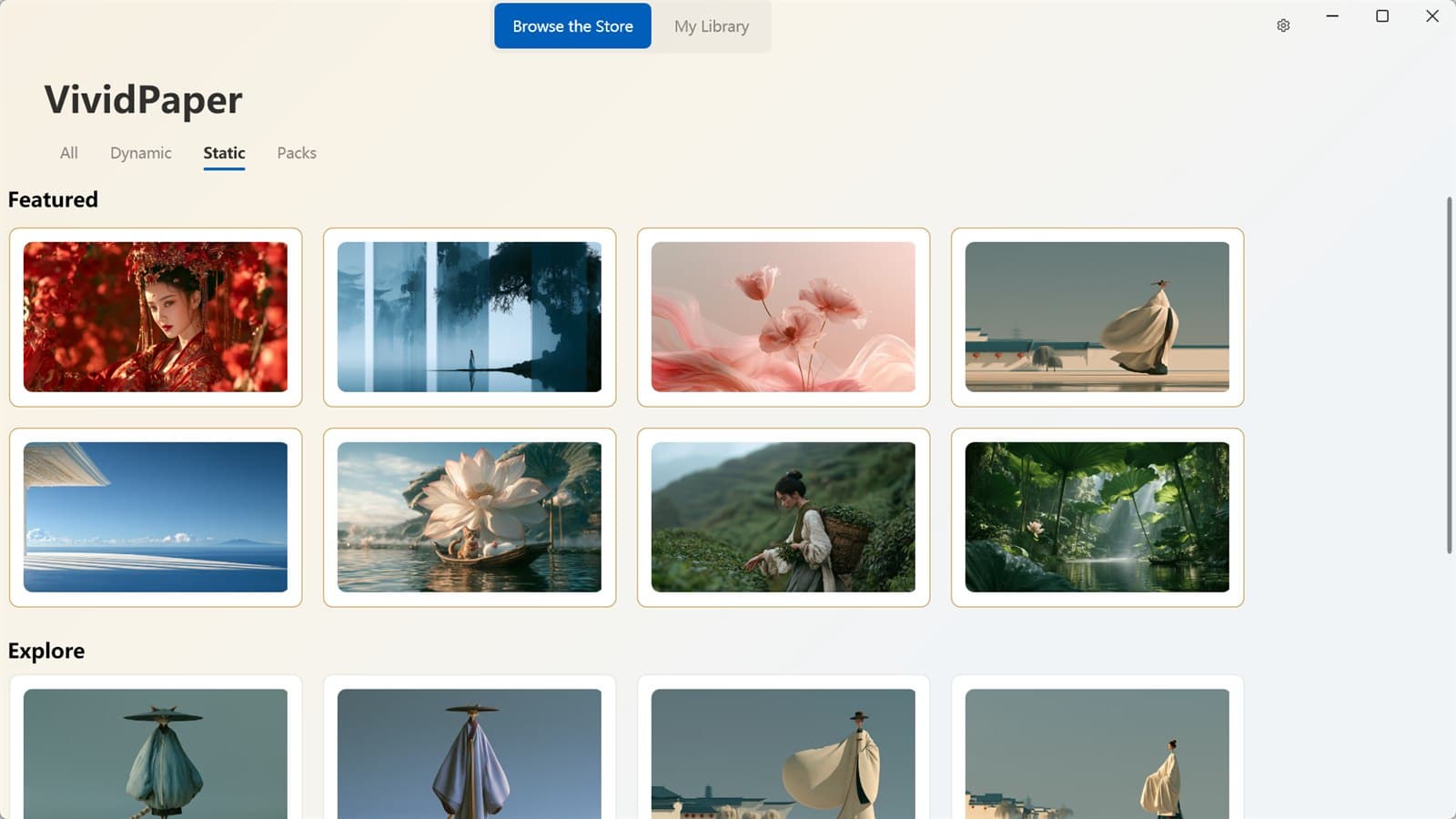
Static
Fine-art stills for quieter days. Same library, same double-click, same uncluttered desktop.
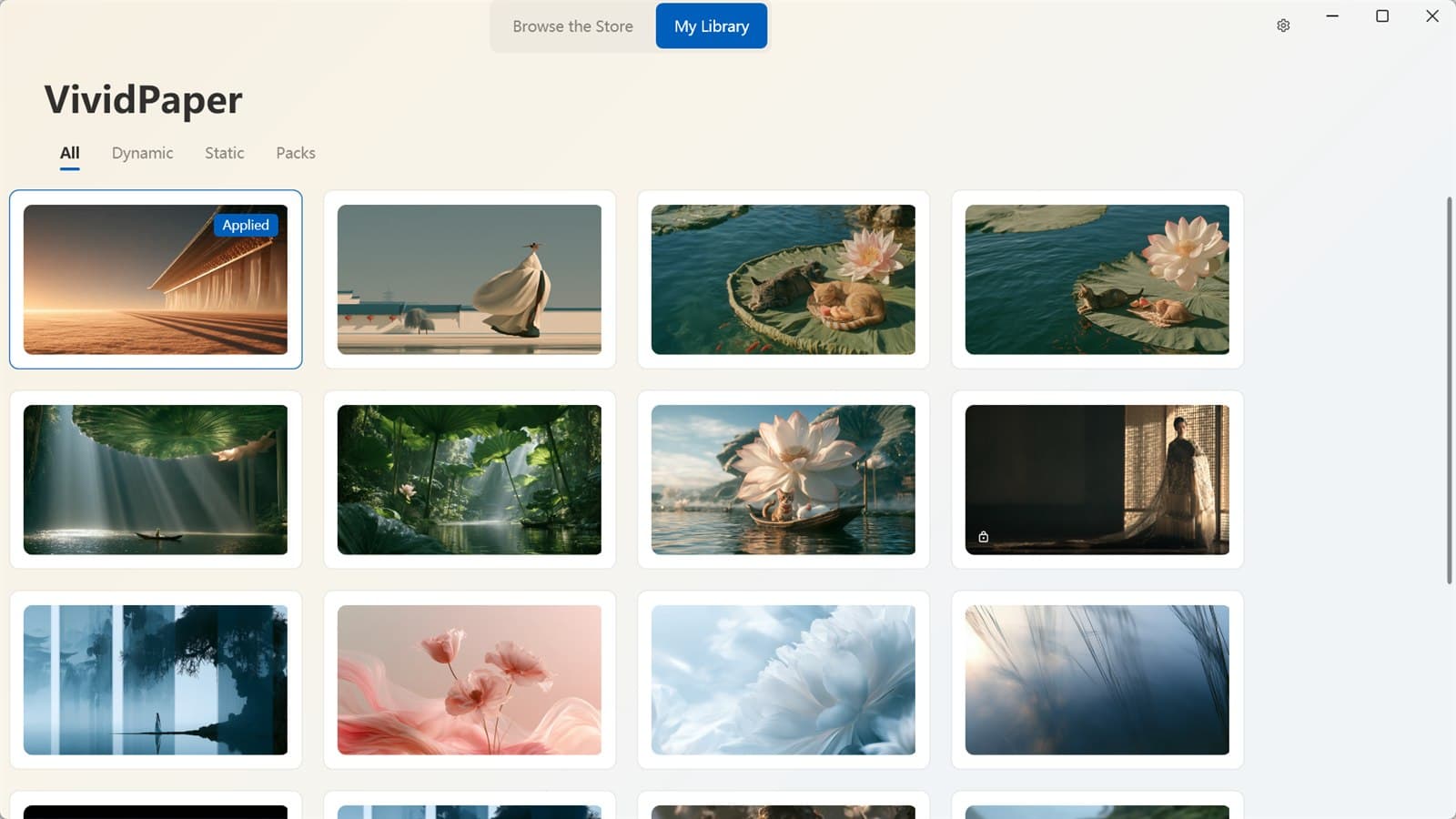
My Library
Your current wallpaper and saved scenes stay together, so changing the mood never means hunting through folders.
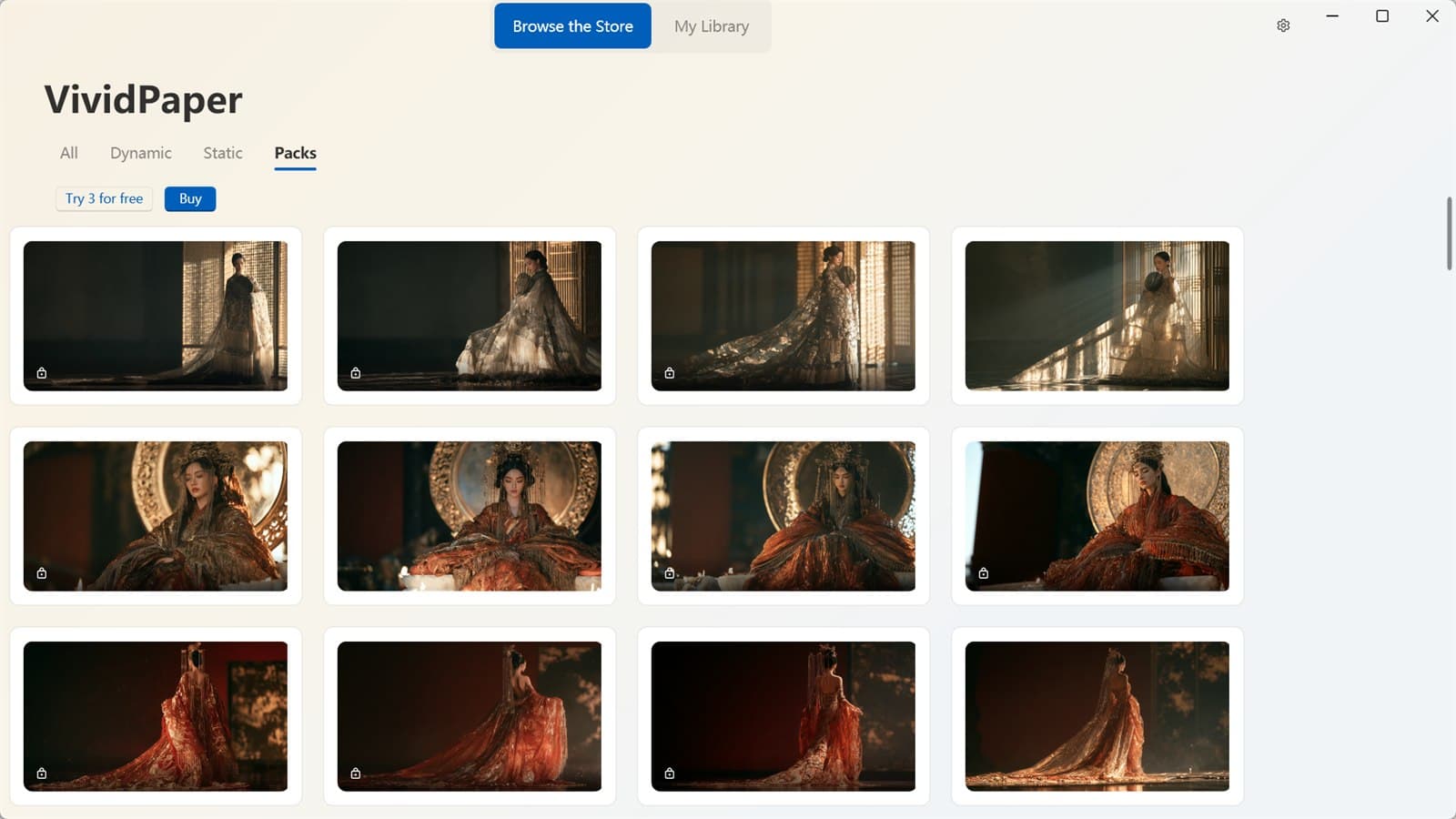
COLLECTIONS
Open the featured collection or choose a themed pack. Each one is a complete mood, ready to browse — not a folder of random files.
New artwork and packs join the collection regularly.
THREE STEPS · NOTHING TO LEARN
No settings maze, no file hunting — the wallpaper is applied from the same window you browse.
Browse cinematic motion scenes, fine-art stills and themed packs in one window.
It becomes your desktop background and starts playing beneath your icons.
Clicks, shortcuts and the right-click menu behave as before. Games and fullscreen video pause the wallpaper automatically.
BUILT TO STAY OUT OF YOUR WAY
The wallpaper stops on its own while you game or watch fullscreen video, so nothing competes with what you're doing.
Close the app and your previous background comes back cleanly — no leftovers, no manual cleanup.
Playback is silent by design, and the app is built to stay fast and light from the first launch.
Fill, fit, stretch or tile — the same wallpaper adapts to any display.
A quiet tray icon keeps every wallpaper one click away, without taking over your taskbar.
Install VividPaper and turn the screen you stare at all day into a scene you actually enjoy — moving or still, always beneath your icons.