
AI Photo Restoration
Even badly aged family photos can be saved
Smart noise reduction, color recovery and 4× upscaling in one automatic AI pipeline.
Windows desktop app · 100% offline
Ever enlarged a photo, only to watch it turn soft and blurry? Have yellowed family portraits where the faces are hard to make out, and no idea where to start? Ever looked at a black-and-white photo and wondered about the colors your family actually wore? One app takes care of it all: old-photo restoration, 4K upscaling and AI colorization — a single button, no expertise required. Everything runs offline on your Windows PC, so the family memories you treasure never leave your device.

Official Microsoft Store app · runs fully offline — photos stay on your PC

Drag the handle to compare · arrow keys supported
The results
Every capability speaks for itself, shown on real before-and-after photos.
AI Photo Restoration
Smart noise reduction, color recovery and 4× upscaling in one automatic AI pipeline.

Quick Restoration
No AI wait — classic algorithms sweep away the years in milliseconds.
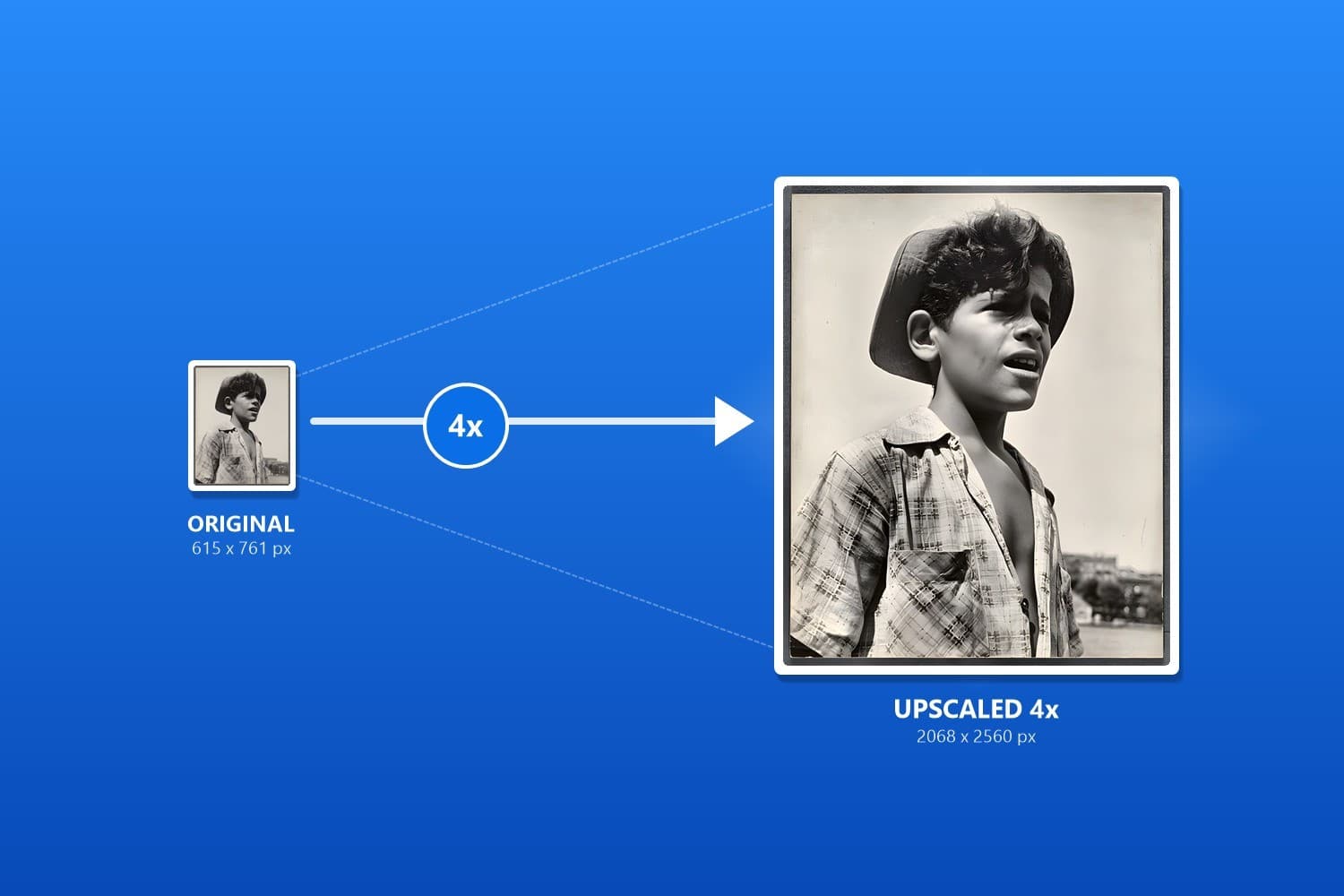
4× Upscaling
Enlarges low-resolution and compressed photos fourfold, ready for print and tight crops.
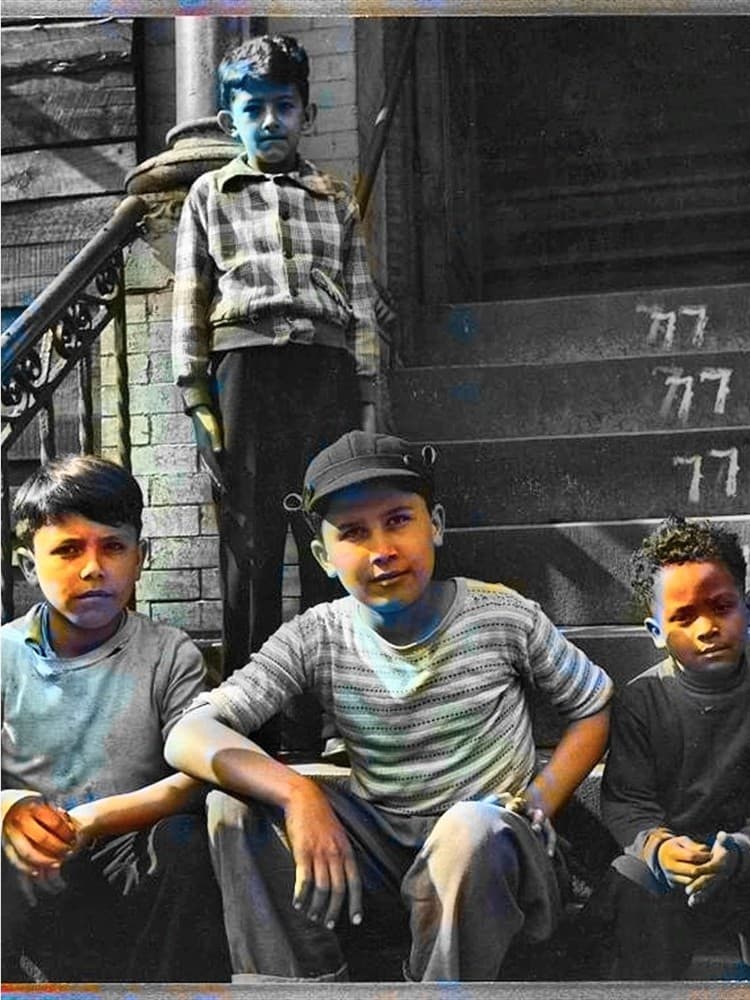
AI Colorization
AI reads the scene and the light to produce colors that feel natural and true.
Eleven tools, one studio
The home screen is the whole toolkit. Open any tool and start; no hunting through complicated menus.
AI Photo Restoration
Denoise, enhance and upscale 4× in one pass — made for badly aged family photos
Quick Restoration
Classic algorithms instantly clear light fading and marks — no waiting
4× Upscaling
Enlarges low-resolution photos fourfold and brings back crisp detail
AI Colorization
Reads the light and scene in black-and-white photos to restore natural, believable color
Color Enhancement
Eight style presets with thumbnail previews — tap to choose, then export
Scratch & Crease Repair
Detects and removes scratches, tears and fold marks without touching the rest
9-Grid Filters
Nine artistic filters previewed together; switch with the arrow keys
Crop & Convert
Drag to crop, resize proportionally and convert between five common formats
Batch Watermark
Add text or logo watermarks to up to 50 photos at once
Batch Resize
Shrink up to 50 photos by a percentage and pack them as a ZIP
Photo Collage
Combine 2–9 photos on one canvas with 20+ layout templates
Privacy promise
No cloud, no uploads, no data collection — works even with no connection.
No parameters to learn, no sliders to tune — import a photo and tap.
Up to 4× resolution PNG output at print-ready quality.
Windows 10 / Windows 11 · GPU acceleration, with automatic CPU fallback on lower-spec PCs
Install PhotoRestore Pro and bring the photos you can't replace back to clarity and color.